



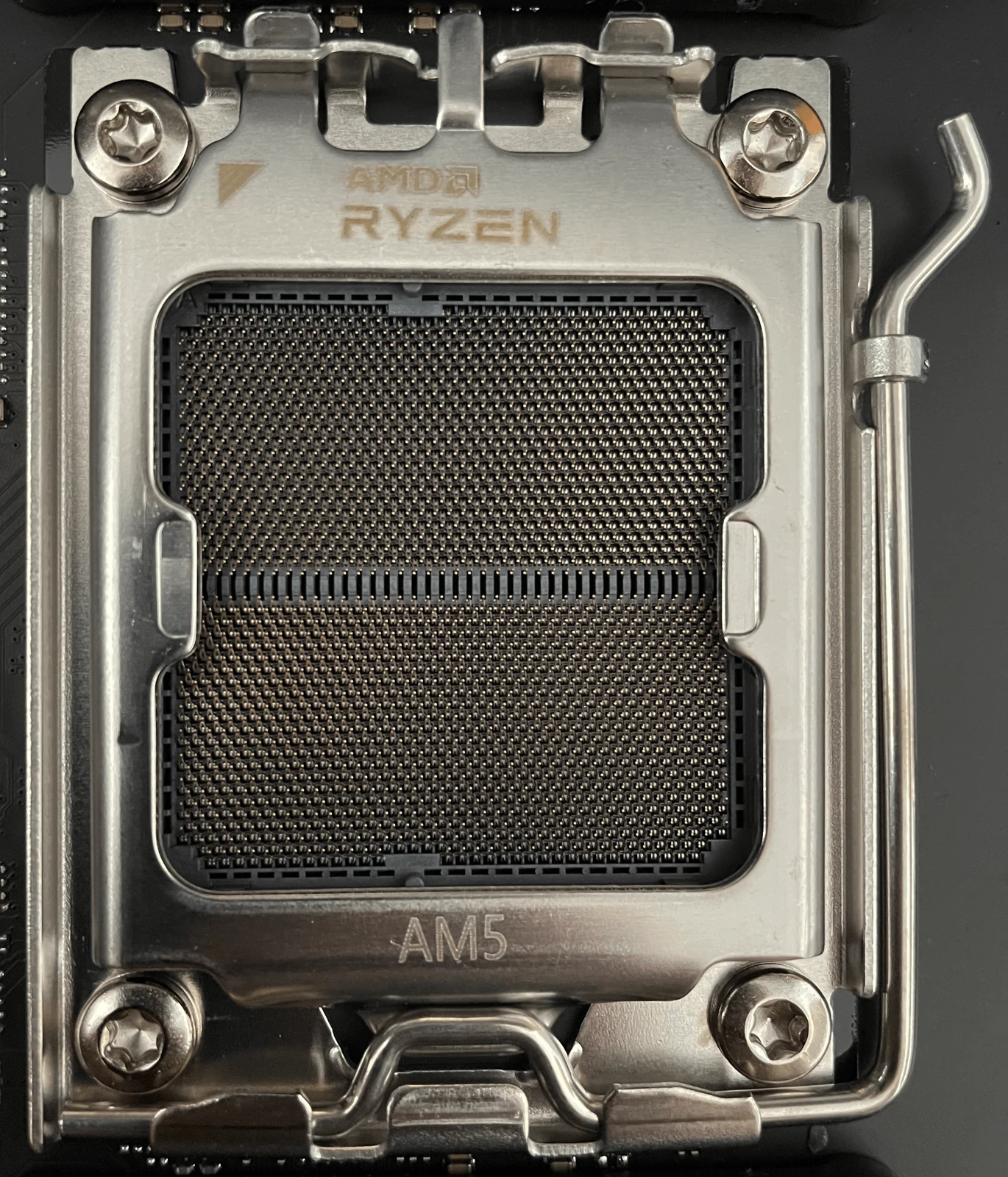
Build Your First Gaming PC
Install the parts, connect the cables, and reach your first boot with a clear build order and practical checks along the way.
Start buildingPractical guides for your next build.
Install the parts, connect the cables, and reach your first boot with a clear build order and practical checks along the way.
Start building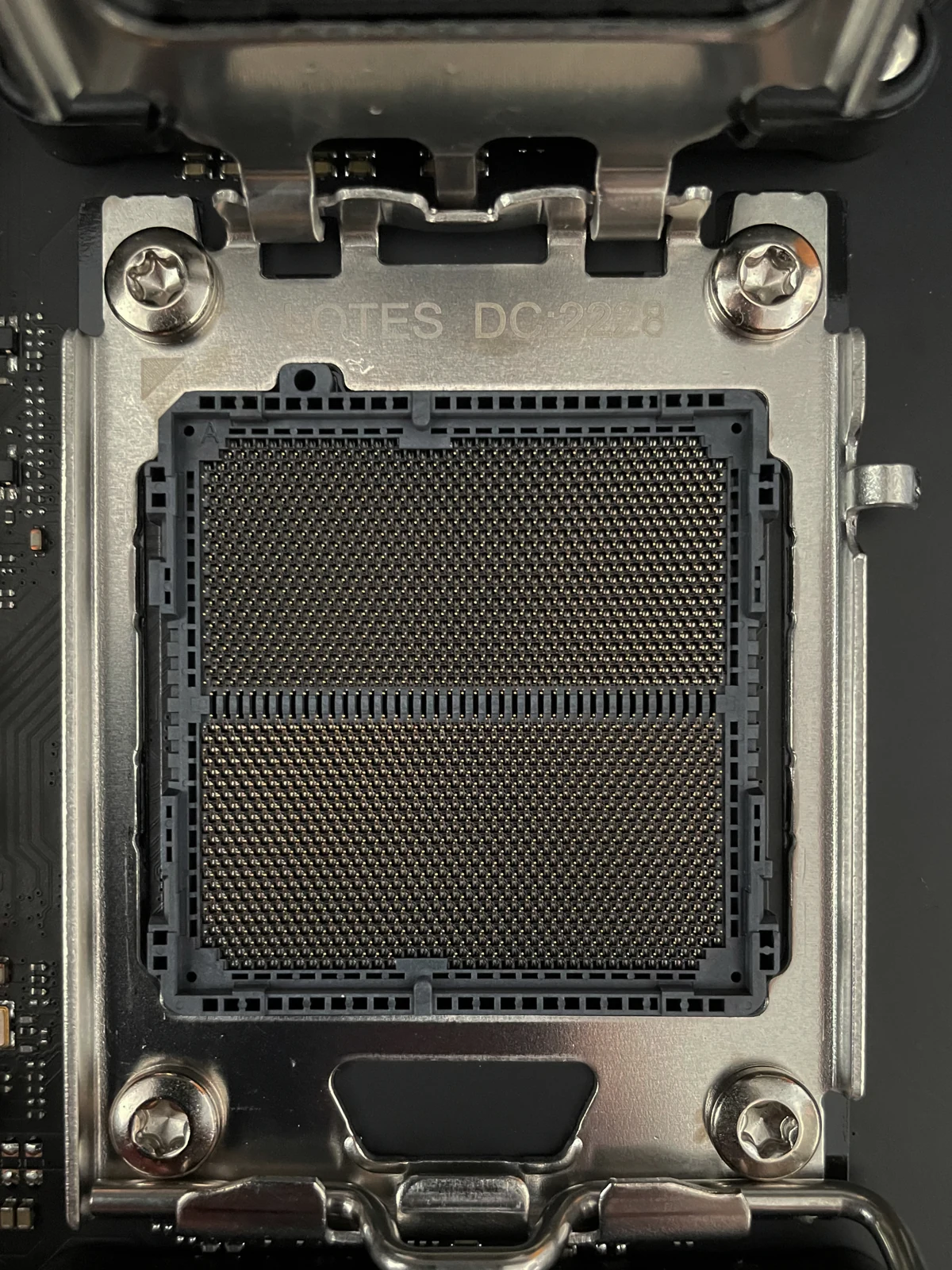
Get clear answers on power cables, RAM, cooling, RGB, and the small details that can hold up your first build.
Get the answers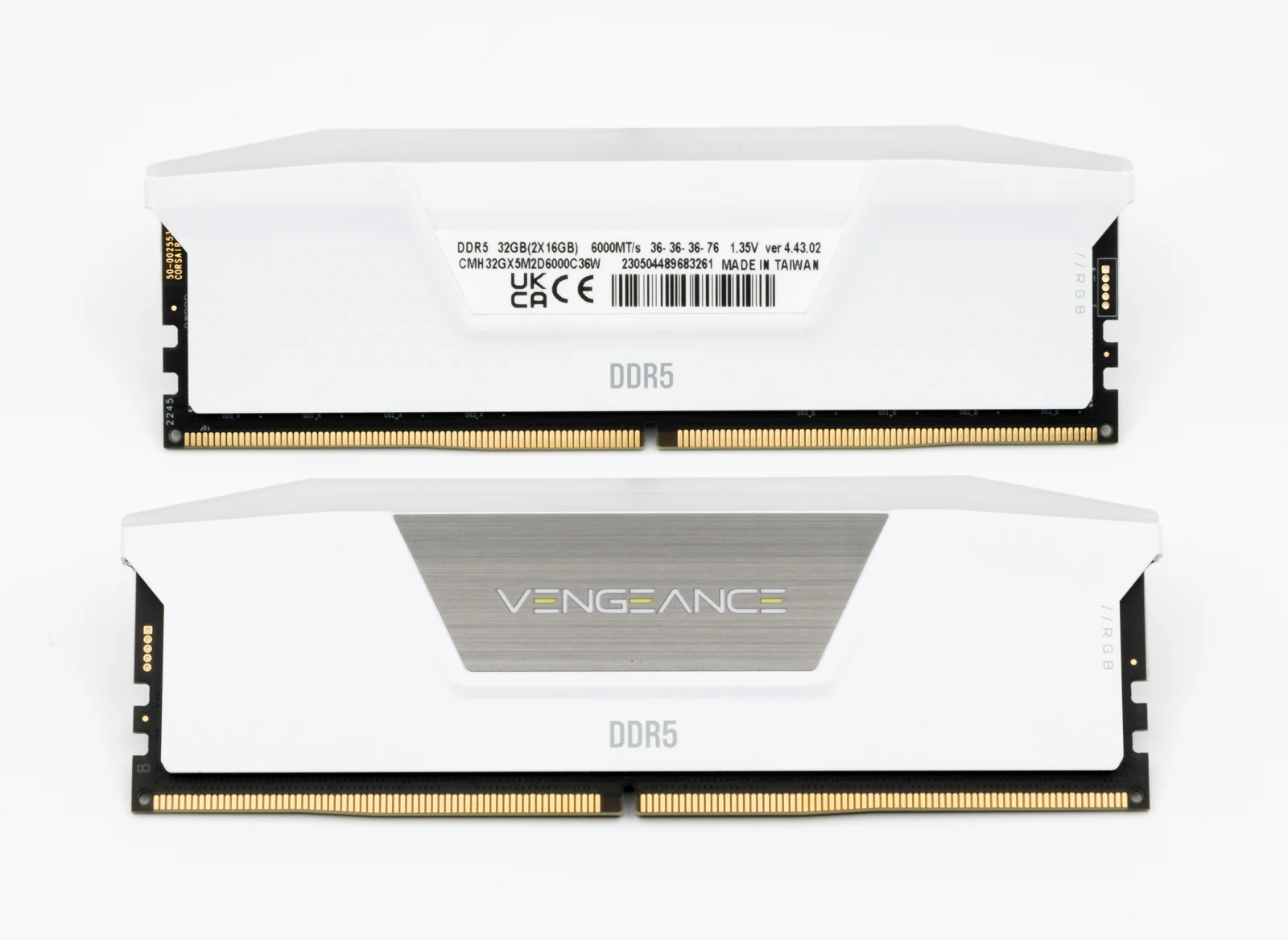
Find the memory-profile setting on ASUS, MSI, and GIGABYTE boards, then verify your speed and stability.
Set up your memory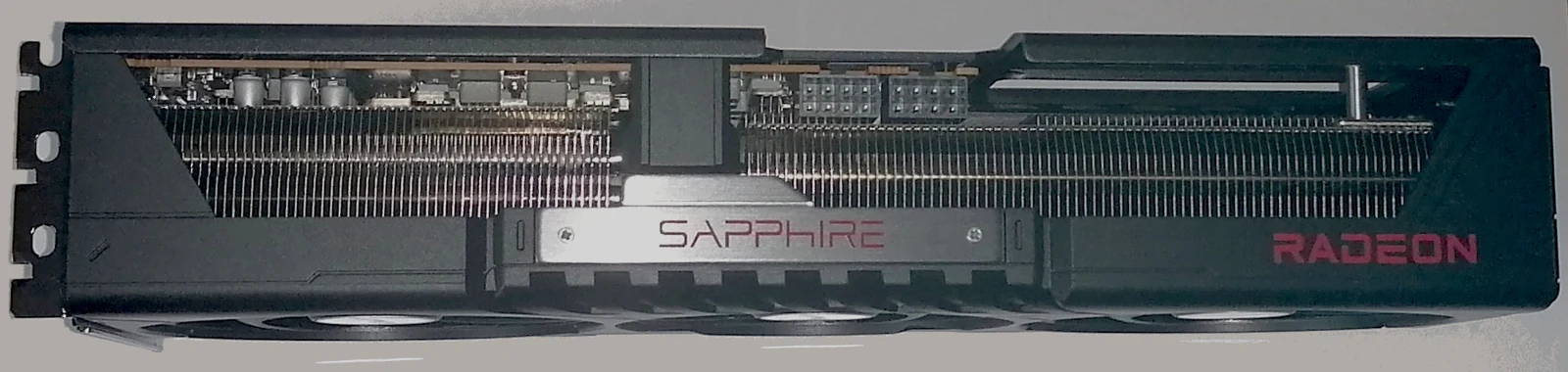
Download the right AMD or NVIDIA driver, follow the official installer, and check that your graphics card is ready.
Install the driver
Make a bootable USB with Microsoft’s tool, choose your SSD carefully, and finish setup on your new gaming PC.
Install Windows