



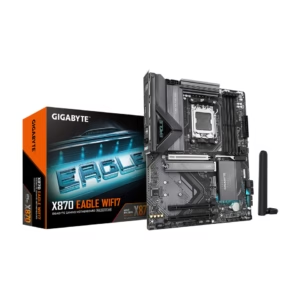
GIGABYTE X870 EAGLE WIFI7 AM5 LGA 1718, ATX, DDR5, 4 x SATA 6Gb/s, 3x M.2, PCIe 5.0, USB4, Wi-Fi 7, 2.5GbE LAN, EZ-Latch
$184.00
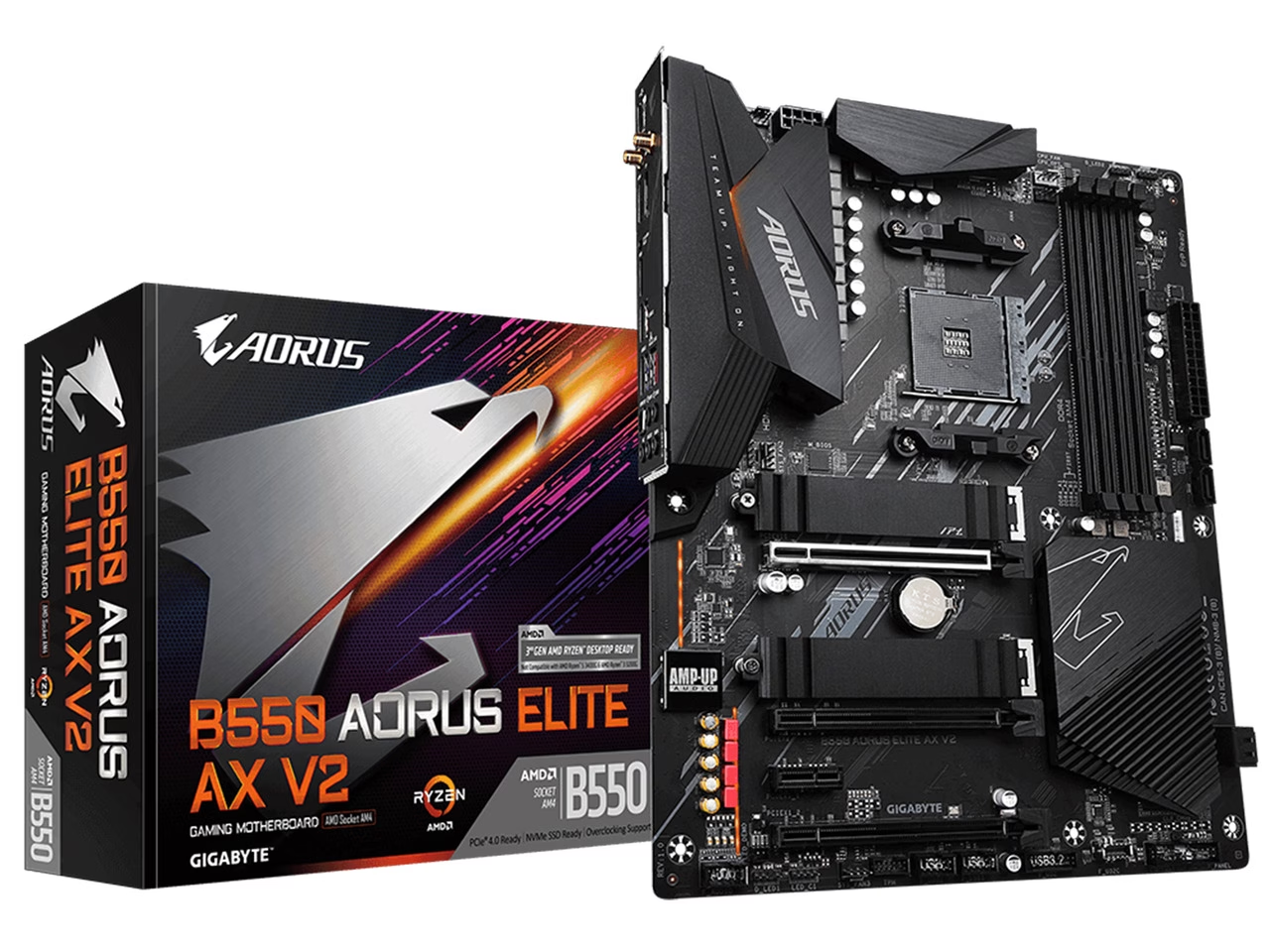
Support for Ryzen 5000 Series with BIOS UPDATE Supports AMD Ryzen 5000 Series / 3rd Gen Ryzen and 3rd Gen Ryzen with Radeon Graphics Processors
$153.98
$189.99
Save $36.01
Orders are handed to the carrier within 1 business day.
Free Shipping (3–5 business days) · Priority Shipping $9.90 (1–2 business days).
You have 30 days from the day your order is delivered to return unused items in their original condition and packaging. We pay for return shipping: you receive a prepaid label and nothing is deducted from your refund.
Once we receive and inspect the return, the refund goes back to your original payment method within 3 business days. Banks and card issuers may take another 3–10 business days to post it.
Each product is covered by its brand manufacturer's warranty. The term, what is covered, and how to make a claim are set by that manufacturer.
Email [email protected]. We reply within one business day.
Support covers shipping, returns, and order tracking.
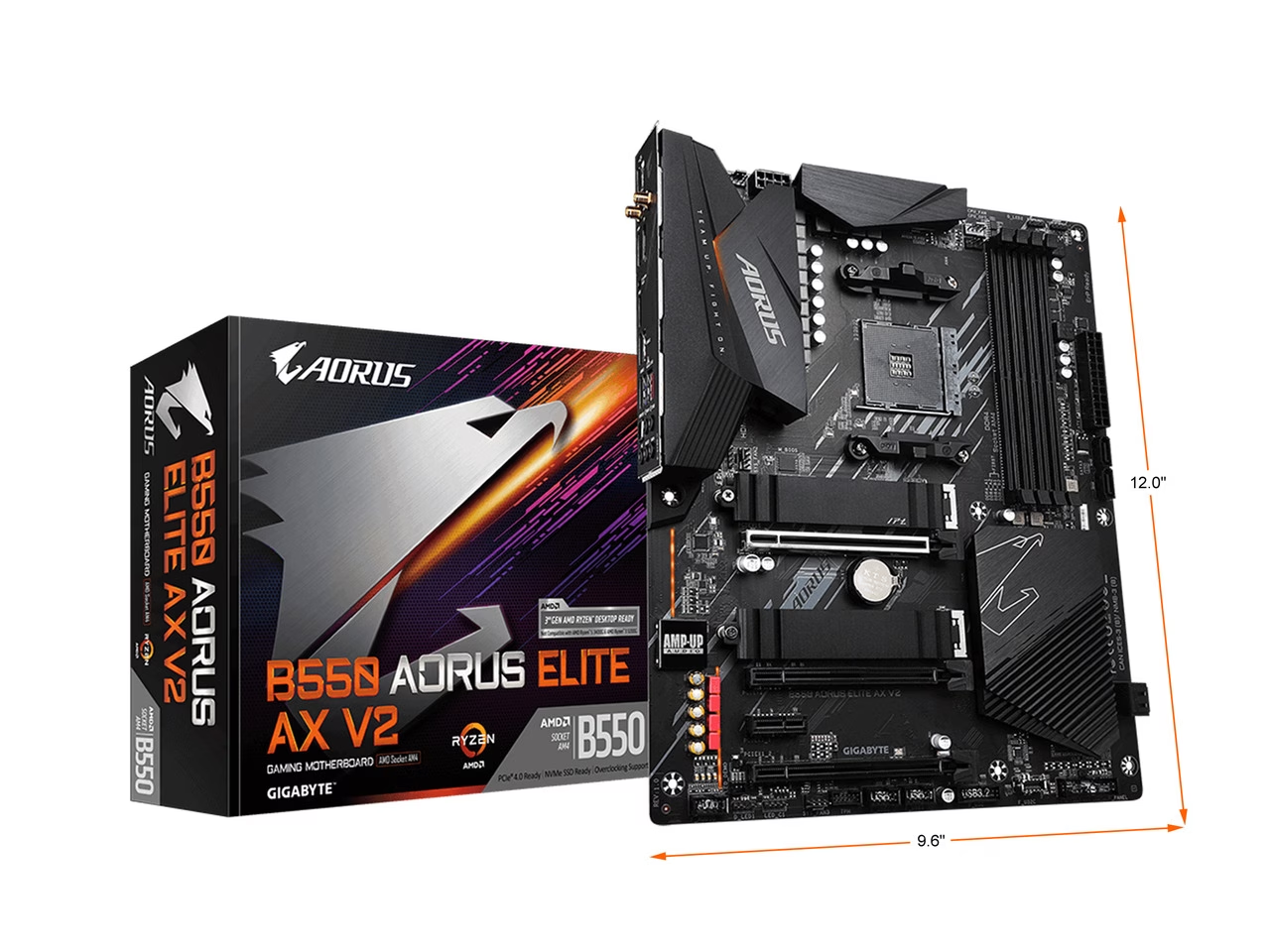
In the dark, starless night, the falcon strikes fear into the heart of its prey. Even with minimal visibility, the falcon pinpoints its prey and patiently anticipates the perfect moment to swoop in for the kill. The falcon with its laser sharp gaze dominates the darkness of night in the same manner that AORUS Core Lighting illuminates the vast AORUS ecosystem.
GIGABYTE B550 motherboards maximize your PC's potential with AMD StoreMI technology. StoreMI accelerates traditional storage devices to reduce boot times and enhance the overall user experience. This easy-to-use utility combines the speed of SSDs with the high capacity of HDDs into a single drive, enhances the read/write speeds of the device to match that of SSDs, bolsters data performance for incredible value, and transforms the everyday PC to a performance driven system.
Making the PC experience fast, smooth and easy Optimizing computer responsiveness from system boot to application launch Offering SSD performance with HDD capacity at an affordable cost Quickly accessing key files by automatically learning users' computing behaviors Detail information please refer AMD official website: https://www.amd.com/en/technologies/store-mi
To fully support the latest 3rd Gen AMD Ryzen™ processors, B550 AORUS motherboards equip with the ultimate power solution which is power balanced, digital and multiple phases. After countless experiments and testing, GIGABYTE presents the unbeatable B550 AORUS motherboards for enthusiast. No Compromise and never stop to achieve higher.
Digital PWM Controller delivers appropriate voltage to the CPU With 12+2 Phases 50A DrMOS, each power phase connects to the CPU and provides more balanced and efficient power delivery. With capability to handle up to 700 Amps current in a total All-solid capacitors to improve Transient response and minimize oscillation 24pin+8pin Solid Pin CPU Power Connectors B550 AORUS ELITE AX V2 motherboard uses a 12+2 phases Digital Twin Power Design which includes PWM controller, DrMOS and Ferrite core cho
GIGABYTE's exclusive 2X Copper PCBs design provides sufficient power trace paths between components to handle greater than normal power loads and to remove heat from the critical CPU power delivery area. This is essential to ensure the motherboard is able to handle the increased power loading that is necessary when overclocking.
GIGABYTE realize that customer won't stop chasing a better computing performance. We take care of it and implement on products. Protective and optimized memory trace enhance the performance. Faster read and write are needed to save time and improve efficiency. We offer plenty of M.2 storage with thermal guards to ensure unthrottled read and write. In advance, adopting PCIe 4.0 ready components get the B550 motherboards easier to upgrade.
With the optimized daisy-chain routing, the B550 motherboard provides a proven speed of DDR4-4000MHz and beyond with high density memory modules*. Optimized daisy-chained routing eliminates the stub effect, pushes the one DIMM per channel in dual channel interleaving mode to hit higher memory frequencies, providing professional gamers a denser and faster system memory experience. * Performance may vary in circumstances. Please refer to the QVL list for detail support information.
With populated 2 DIMMs per channel on GIGABYTE B550 motherboards, the maximum memory capacity support is 128GB. For users who always run out of memory capacity, they are able to enjoy more bandwidth now for memory-intensive application such as rendering and video editing.
Based on 8 reviews
GIGABYTE B550 AORUS ELITE AX V2 AM4
Wrong Wifi adapter
The board works great, but this kind of quality control failure is a major red flag for me, especially considering Mediatek's adapter is considered inferior to Intels. This needs to be resolved, and it caused me several hours of frustration banging my head trying to figure out why the Intel drivers refused to work. Image shows the hardware ID of the network controller which identifies it as Mediatek.
Pros: Product works great except for one major thing.
Cons: The product is supposed to have an Intel Wifi adapter. This is wrong. Either due to a part swap at the manufacturer, or sometime afterwards, the adapter was swapped out for a Mediatek MT7921K. As a result, the Wifi will not work when installing the motherboard, because the expected Intel drivers off the Gigabyte website are incorrect, they will not work. I had to separately download the Mediatek drivers after asking for others to assist with what exactly was wrong who informed me of the Mediatek swap. If anyone has this issue, please go download the Mediatek MT7921K drivers off Lenovo's website, as they resolved the issue.
GIGABYTE B550 AORUS ELITE AX V2 AM4
Had to Update the BIOS for use with Ryzen 5800X
I ordered this motherboard on 8/25/2021 and paired it with a Ryzen 7 5800X. The very top review on Newegg by Anthony R. stated his BIOS was updated from the factory. His review was posted on 5/31/2021. I put my system all together and saw the BIOS screen for a second and then nothing. Restarted a couple of times after to only a black screen and a red BOOT led lit up on the motherboard. Must be the BIOS doesnt recognize the CPU. If you cant get into the BIOS to update the BIOS you have to use Q-Flash Plus button. Gigabytes Manual has barely any instructions on how to do this and the instructions are incomplete. Search results on how to do the flash resulted in a Youtube video by Mikes unboxing. He specifically stated that Q-Flash Plus wont work unless you remove the CPU, GPU, and RAM. So I removed all those things out and followed his instructions. What a pain. The updated BIOS worked but I later read comments that stated you DONT HAVE TO REMOVE ANY COMPONENTS for Q-Flash to work. I don't know that for sure because I updated with the CPU, GPU and RAM removed. Would be nice for Gigabyte to state it some where clearly.
GIGABYTE B550 AORUS ELITE AX V2 AM4
Good board
-Would recommend.
Pros: -Came from factory with an updated BIOS for Ryzen 5000. -RGB is subtle but nice and software is better then expected. -Good I/O for the price. -USB-C internal header.
Cons: -Would have liked to have surface mounted power/reset for out of case testing.
GIGABYTE B550 AORUS ELITE AX V2 AM4
No issues
I was between this mb and the nzxt n7 which was always out of stock. I'm curious how the N7 mb would look, but I'd 100% get the vision again. The longer I have it, the more I like it.
Pros: Looks great Rgb fusion has worked perfectly with my lian li fans, team ram, and EK aio argb.
Cons: More 5v argb headers would be nice.
GIGABYTE B550 AORUS ELITE AX V2 AM4
IF PC WONT BOOT READ THIS
OK. So after thinking this motherboard was BROKEN for literal hours while I basically re-built my new PC 3 different times with different ram etc to see why it would not boot up to post (turned on but no images at all) I figured it out. Instructions that saved my PC and made this mobo actually work are as follows: Motherboard BIOS update for AMD Ryzen 5000 series processors From GIGABYTE’s website, download the latest compressed BIOS update file that matches your motherboard model from its product page. Uncompress the downloaded BIOS file, save it to your USB flash drive, and rename it to GIGABYTE.bin. Note: The USB flash drive must use the FAT32/16 file system. Insert the USB flash drive into the white USB port or BIOS Q Flash port on the back panel of your motherboard (USB port may not be labelled on all models, checking the user manual is recommended) Connect the power cables to the CPU 8 Pin power connector (connect either one if there are two) and mainboard 24 Pin power connector. Press the Q-Flash Plus button (location may vary by model) and the system will automatically search and match the BIOS file in the USB flash drive on the white USB port. The QFLED and the Q-Flash Plus button on the rear panel will flash during the BIOS matching and flashing process. Wait for 2-3 minutes and the QFLED will stop flashing when the BIOS flashing is complete.
Pros: Great little motherboard after it worked
Cons: Firmware didn't come updated for new Ryzen CPU
GIGABYTE B550 AORUS ELITE AX V2 AM4
For the right user, but you can't have your 12 drive lanes and your 16 video lanes too.
Here are some notes concerning my recent real-life experience to date. My B550 Aorus Master motherboard has been working fine ever since the very first time it was paired up with an adequate power supply. A minimum of three power connectors from the power supply is most definitely required: the usual 1 x 24-pin ATX main power connector, a 1 x 8-pin ATX 12V power connector, and a 1 x 4-pin ATX 12V power connector. The last socket could be supplied from ½ of a second 2 x 4-pin (8-pin) ATX12V. Repeat: For this motherboard, your power supply must have all 3 specifically designated ATX 12V outputs just to power up the motherboard. My CPU is an AMD 3700X with 8 cores (a Ryzen 7 Generation 3 running @ the stock 3.6 GHz). Both it and the motherboard support PCIe Generation 4 devices which are pretty much next-level stuff. Speed-wise, this CPU is pretty much equivalent to my old Intel except that this one has 2 more cores and it only burns 65 watts. On the other hand, my old Intel setup supported quad channel vs. AMD’s dual channel. The new 3700X is running flawlessly. I started out using my older 4 x 4GB of DDR4-2400, CL14-14-14-34, 1.2V. After a test run, I replaced the older memory with new 2 x 8GB of DDR4-3600, CL16-16-16-36, 1.35V. Both sets of memory used standard XMP Profiles. After the memory upgrade, I did not notice a significant increase in performance at the user level with regard to speed. I can comfortably say that I overspent on new memory. I also started out using my older (Generation 3) NVMe PCIe M.2 drives. They are already pretty snappy. They seemed to be just as fast as my previous setup of 5 (ea.) SATA SSD drives in RAID 0. After another test run, I replaced the older M.2 PCIe system drive (Samsung 960 EVO, Generation 3) with a new drive (FireCuda 520, Generation 4). At the user level, the new FireCuda Gen.4 does seem to be quicker. However, for business use it’s not yet really a “have-to-have” game-changer. I still have to wait during virus-checking and
Pros: Biggest pro: This is one of a very few, if not the only motherboard for Joe Consumer that allows RAID for three (Generation 4) M.2 drives without a lane bottleneck between the chipset and the CPU.
Cons: Biggest con: Starting with the installation of a second M.2 drive, the PCIe x16 slot for the video card loses 8 of its 16 paths. You can’t have your 12 CPU paths for 3 drives and your 16 paths for video too.
GIGABYTE B550 AORUS ELITE AX V2 AM4
Solid motherboard
I would reccomend this product to anyone looking for a nice itx AM4 board.
Pros: I replaced my old B450 with this b550 board. The build quality is excellent and feels really well made. I really like the fact that it had 2 m.2 slots and the front panel connectors are near the 24 pin. Made it very easy to install in my node 202. I went with 2 1tb drives and opted out of 2.5 inch drives so that made cable management very easy.
Cons: Nothing. Love it.
GIGABYTE B550 AORUS ELITE AX V2 AM4
Surprisingly robust BIOS
I originally targeted the MSI B550 itx board but it has been unavailable since launch. I saw this board in stock so I decided to go for it. I have been pleasantly surprised overall. I have not had experience with the gigabyte BIOS but have found the BIOS on this board to be quite robust. There are a slew of features that I was surprised to see on a "B" series board. It has been rock solid running an undervolted 3900x. Obviously I am unable to assess the longevity of this board as I have had it for only a week. However, assuming everything holds up, this board is an easy 5 out of 5 for me.
Pros: Great VRMs Lots of BIOS features Cheaper than the MSI and Asus B550 itx boards 2.5gb lan 2 m.2 slots
Cons: Missing the internal USB type c header that other B550 boards have Pricey for a "B" series board (Most B550 boards are though)
Log in to write a review. Log in
$184.00
$244.00
$81.21
$139.99
$117.48
$164.99
$266.99
$329.99
$204.49
$254.99
$103.99
$159.99
$149.99