



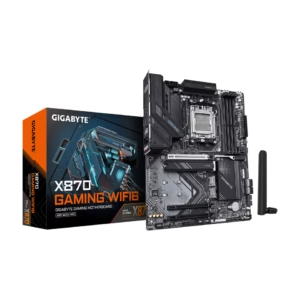
GIGABYTE X870 GAMING WIFI6 AM5 LGA 1718, ATX, DDR5, 3x M.2, PCIe 5.0, USB4, WIFI 6, 2.5GbE LAN, EZ-Latch
$173.99
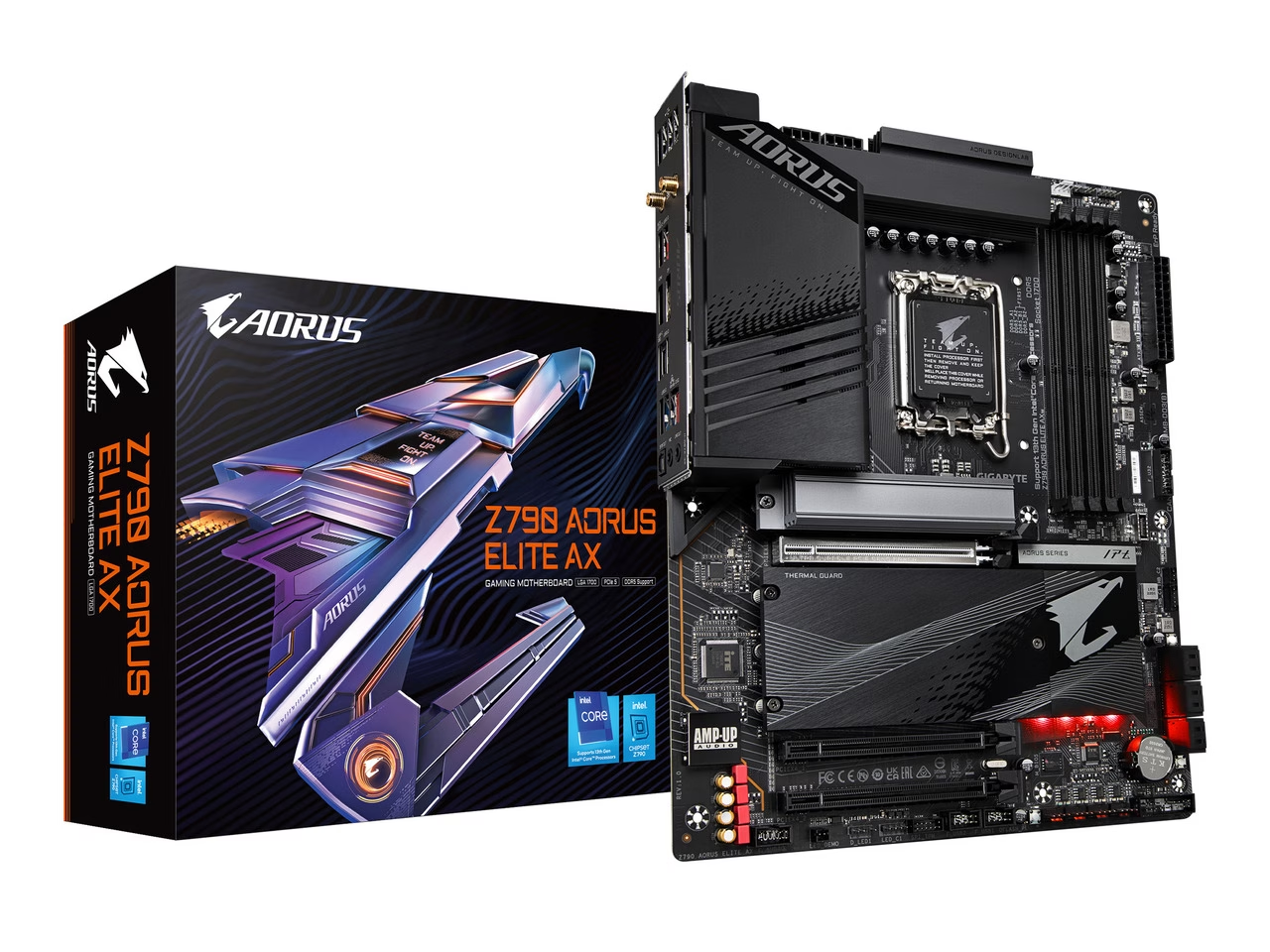
Intel LGA 1700 Socket: Supports 14th, 13th & 12th Gen Intel Core Series Processors DDR5 Compatible: 4*SMD DIMMs with XMP 3.0 Memory Module Support
$167.98
$239.99
Save $72.01
Orders are handed to the carrier within 1 business day.
Free Shipping (3–5 business days) · Priority Shipping $9.90 (1–2 business days).
You have 30 days from the day your order is delivered to return unused items in their original condition and packaging. We pay for return shipping: you receive a prepaid label and nothing is deducted from your refund.
Once we receive and inspect the return, the refund goes back to your original payment method within 3 business days. Banks and card issuers may take another 3–10 business days to post it.
Each product is covered by its brand manufacturer's warranty. The term, what is covered, and how to make a claim are set by that manufacturer.
Email [email protected]. We reply within one business day.
Support covers shipping, returns, and order tracking.
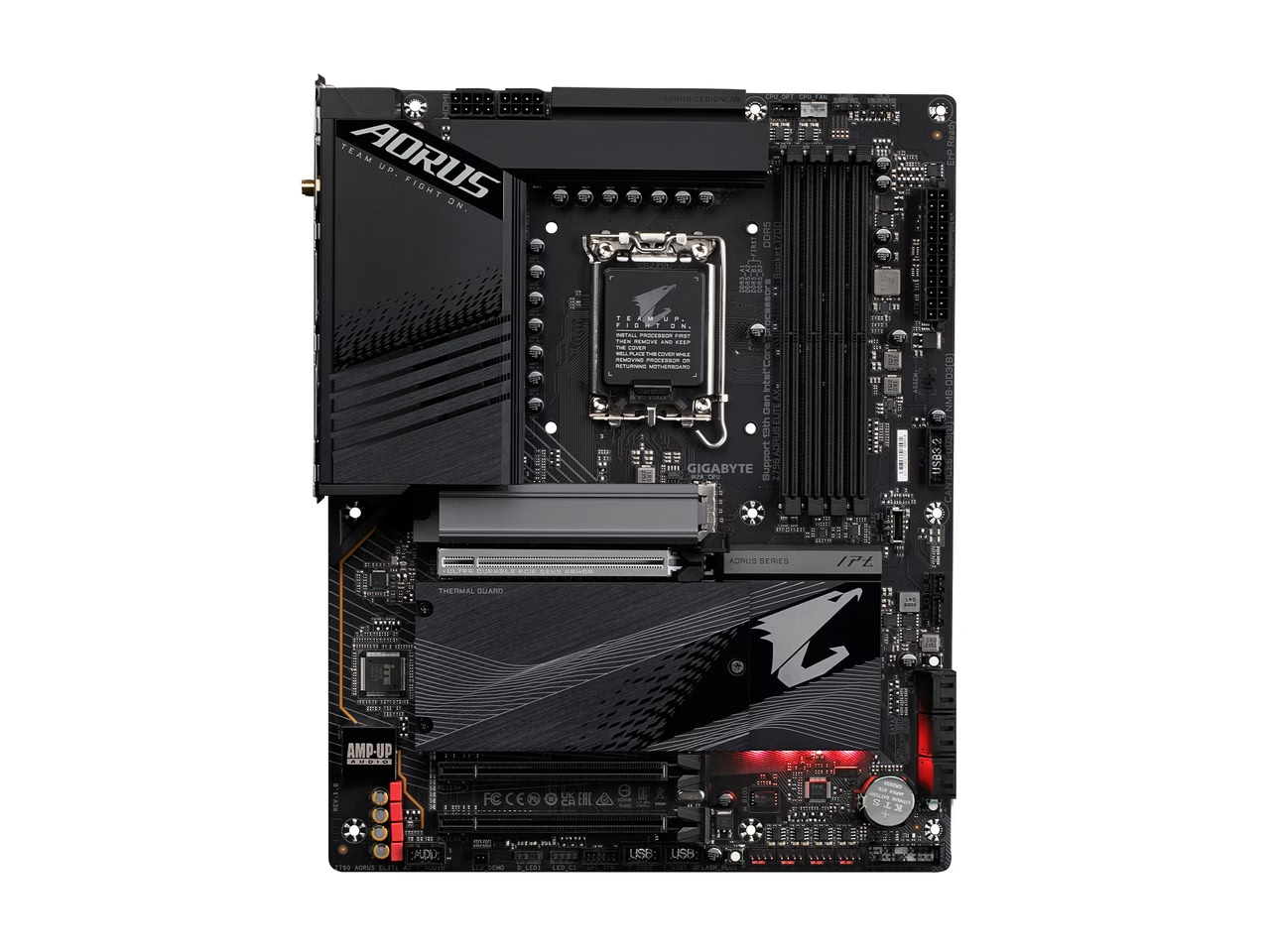
Intel® Z790 Chipset
To ensure maximum Turbo Boost and overclocking performance of Intel's new generation CPU, GIGABYTE AORUS series motherboard equip the best VRM design ever built with the highest quality components. To unleash full potential of multi-cores CPU performance For CPU integrated GPU performance Provide stable power for CPU integrated PCIe & Memory controller * 8+8 phases parallel power design ** Photo for refrence only
PCIe 5.0 Design supports double the bandwidth of PCIe 4.0 and ensures that compatible with cutting-edge GPUs released in the next few years to their full capability. * Photo for refrence only.
The new generation, GIGABYTE's exclusive stainless-steel PCI-e shielding becomes 20% wider providing reinforced tensile strength. * Photo for refrence only.
AORUS is offering a tested and proven platform that has memory overclocking capability up to 7600 and beyond. For DDR5 XMP Memory, all users need to do to attain high memory performance boost is to ensure that their memory module is XMP capable and that the XMP function is activated and enabled on their AORUS motherboard. * Memory overlocking and XMP profile support may vary depending on hardware configuration. Please see the complete validated memory support list. Product features may vary by m
GIGABYTE exclusive circuit design unlocks Native DDR5 voltage control Transforms Native DDR5 memory module to Overclocked DDR5 memory Increases DDR5 memory overclocking performance and capability Supports all PMIC vendors for maximum compatibility * Memory overclocking capability will vary based on users' hardware configuration
Based on 8 reviews
GIGABYTE Z790 AORUS ELITE AX LGA 1700
Was Quick to set up and somewhat easy to configure
Overall great board and rock solid so far. I am not an overclocker but this does have a overclocker utility from Gigabyte for download. Only downside is only 3 M.2 slots but that is not terrible. Took one star for no manual and quick start guide not detailed enough, but otherwise I am happy with this board.
Pros: Will support 14th Gen I9-14000k Right out of the box with no Update to the BIOS needed. The BIOS is a little clunky but easy enough to maneuver through. Board connections were labeled for easy case and power supply hookup.
Cons: To get board to boot make sure you put the memory in the correct slots that are not labeled in the quick set up booklet that came with the motherboard. I have Corsair DDR5 memory Paired and they must be in the A2-B2 slots for unit to boot. This is labeled on the motherboard and in the manual. (I had to downloaded the Manual from Gigabyte's website). This was my experience with this board and may not be yours. Also on first boot give this a good minute of time to autodetect everything.
GIGABYTE Z790 AORUS ELITE AX LGA 1700
Fantastic Board for High Frequency DDR5
Tried this board because I didn't want to deal with the issues that the Asus z790 Apex is having, and I am blown away with this board. This board high frequency DDR5 very well, I was able to get up to 8400 to boot, 7800 Y cruncher VST stable. Also stays stable after both cold and warm reboots.. Takes some time to get the voltages dialed in properly with A die, but that's standard for DDR5. Worked flawlessly out of the box with my 7200c34 kit, and the low latency and high bandwidth modes give a good boost to stock XMP performance if you don't want to tune your ram. Also was a breeze overclocking my 13900KS, very good power delivery and VRMs barely break a sweat pushing 350W. Overall build quality and design is also excellent, its a very simplistic and functional design with no cringy RGB or branding all over. Overall this is a solid board for DDR5 overclocking and may possibly be the best board out there. Priced better than the competition and gave me amazing results.
Pros: Got this board high frequency DDR5 very well, I was able to get up to 8400 to boot, 7800 Y cruncher VST stable
GIGABYTE Z790 AORUS ELITE AX LGA 1700
-1 egg for packing, but great MB
I'm pleased with my purchase. This MB is not being pushed to its limit but has done everything I've asked of it with no problems whatsoever.
Pros: Great board so far with i5-13600k, 64GB ddr5 ram @6000, 2TB KC3000 boot drive, secondary drives 2TB 980 Pro and a 8TB X300. Plenty of BIOS features, recognized all hardware with no fuss, XMP profile applied and works perfectly. CPU slightly overclocked to 5.3GHz. Flashed BIOS to latest to ensure best compatibility and stability. The M.2 heatsinks seem to be working quite well so far (thermal pads are pre-applied on the contact side so you don't have to add your own). Also, no screws needed for M.2 drives, quick latches built-in.
Cons: Literally two small pockets of airpack were placed between one side of the product box and the outer box. The board's usb2.0 port stack was bent and I/O shield crumpled. I did my best to straighten things out. Fortunately no ports nor antenna connectors were damaged and are working (so far), but it could've easily been worse and I'm disappointed the Egg would package this so carelessly.
GIGABYTE Z790 AORUS ELITE AX LGA 1700
Best Z790 Motherboard
- Definitely recommend this Motherboard. - Best balance between must have performance, overclocking and affordability.
Pros: Works like a champ from the get go! - i9 13900K and GSkill 6400Mhz OC, 64Gb on 4 slots. - Updated UEFI to F5i, so far no issues
GIGABYTE Z790 AORUS ELITE AX LGA 1700
Exceptional build quality with fantastic I/O panel
This was the mobo I went with after not being able to get a Z790 TOMAHAWK. Costs more than it realistically should but that goes for basically everything PC related nowadays. M.2 installation is incredibly simple and well designed. Aesthetically pleasing board and plenty of USBs. BIOS vF5i was necessary to get my DDR5 7600 G.SKILL Trident Z5 RGB Series RAM to work with XMP profile. Worth noting that if you plan on using NVME drives exclusively for storage, do not use the one that is by itself directly below the CPU as it shares lanes with the GPU and will cause your main PCIe to run at 8x instead of 16x.
Pros: - One of the few boards of this price range to have 11 USB-A and 3 USB-C - x5 M.2 NVMe slots (only 4 if you want to maintain 16x GPU which you can read more below) - Leftmost panel actually has LEDs that you can control via Gigabyte Control Center
Cons: - Possibly some mild coil whine. Thought it was my GPU but noticed other user complaints so maybe it's the board. I can only hear it faintly with my ear directly up to my case
GIGABYTE Z790 AORUS ELITE AX LGA 1700
Adequate for "budget" Z790 DDR5 builds
Feels bad spending 200+ on a "budget" Z790 board. A lot of issues resolved with the Aorus Master model with additional OC stability, but risk of still having coil whine is non-zero.
Pros: -No issues with Intel 13th gen + NVIDIA 4000 series -DDR5 -Good cooling for M.2 slots -Cheap
Cons: -"Coil wine from upper left corner of motherboard from the VRM, even at idle" as another reviewer has stated. -Didn't notice pre-packaged Dragon network limiter application from GIGABYTE control center for a day and wasted time troubleshooting. -No easy-access clear CMOS button on the back panel.
GIGABYTE Z790 AORUS ELITE AX LGA 1700
Sturdy, works with no issues so far
Took a gamble and ordered this when it released and since there are no reviews yet I might as well post one. Everything worked just fine, I've seen worse bios menus, and the XMP profile bumped my RAM up to the 6000 speed with no issues. "Ultra Durable" feels accurate, its much heavier and stiffer than my previous motherboard. Time will tell how it holds up, but I'm happy with it. Would have preferred the Micro ATX version that isn't available yet as of this post, but I'm impatient and bought this one and just changed my mind on the case I wanted.
GIGABYTE Z790 AORUS ELITE AX LGA 1700
Good motherboard, slight issue on ethernet
- I'd recommend this motherboard for those looking for a cheaper/good quality Z790 motherboard. If using Ethernet, I highly recommend uninstalling Dragon to prevent throttling yourself or increasing latency.
Pros: - Cheap Z790 motherboard with great features - Clean BIOS / QFlash is easy - M.2 EZClips are a great feature - Easy XMP activation
Cons: - Can't seem to figure out why the ethernet port is having latency problems. Constantly getting 40-55+ ping on a new Cat6 ethernet cable (which worked fine on my old build). I also tried a Cat5 cable which has the same issue. Using WiFi gets me back down to normal (10-15 ping). I've tried uninstalling Realtek LAN drivers, flashing the BIOS to the newest version, and a few other things. I'm currently on Windows 11 & still having this issue. I reached out to GIGABYTE support for any help, I'll update when I hear back. Ideally I'd like to not have to RMA this entire board for this issue after I already had another DOA board that wouldn't post (different brand) that I have to deal with. First PC build has gone great. /s EDIT: Ive finally figured out the issue. When I installed drivers from the
Log in to write a review. Log in
$173.99
$266.99
$329.99
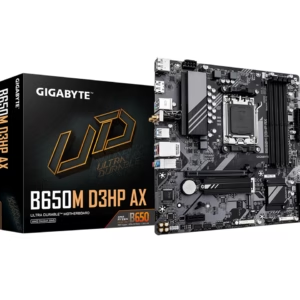
$117.48
$164.99
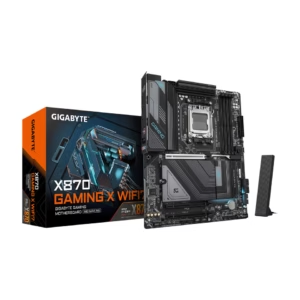
$399.92
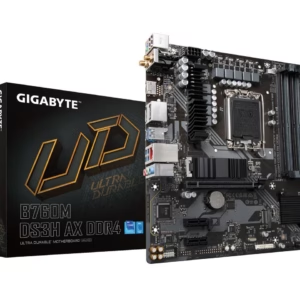
$139.99
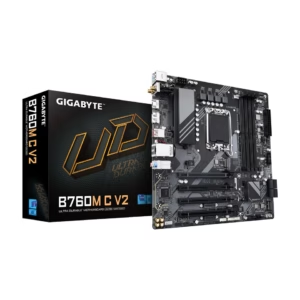
$81.21
$139.99
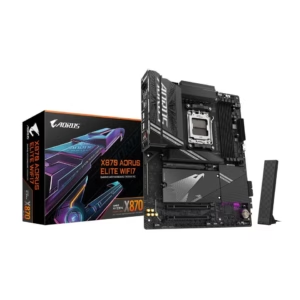
$244.00
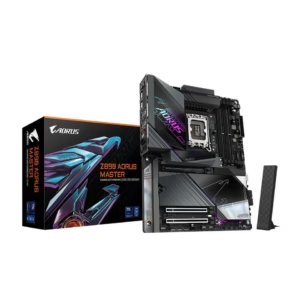
$299.99
$499.99