



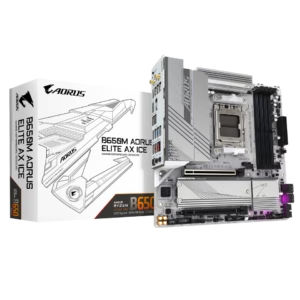
GIGABYTE B650M AORUS ELITE AX ICE AM5 LGA 1718 AMD B650 M-ATX Motherboard, DDR5, 2x M.2, PCIe 5.0, USB 3.2 Gen2X2 Type-C, 2.5GbE LAN, Q-Flash Plus, EZ-Latch
$140.99
$219.99
AMD Socket AM5: Supports AMD Ryzen 9000 / Ryzen 8000 / Ryzen 7000 Series Processors DDR5 Compatible: 4*DIMMs with AMD EXPO Support
$280.49
$394.99
Save $114.50
Orders are handed to the carrier within 1 business day.
Free Shipping (3–5 business days) · Priority Shipping $9.90 (1–2 business days).
You have 30 days from the day your order is delivered to return unused items in their original condition and packaging. We pay for return shipping: you receive a prepaid label and nothing is deducted from your refund.
Once we receive and inspect the return, the refund goes back to your original payment method within 3 business days. Banks and card issuers may take another 3–10 business days to post it.
Each product is covered by its brand manufacturer's warranty. The term, what is covered, and how to make a claim are set by that manufacturer.
Email [email protected]. We reply within one business day.
Support covers shipping, returns, and order tracking.
AMD Socket AM5:Supports AMD Ryzen™ 9000 / 8000/ 7000 Series Processors Digital twin 16+2+2 phases VRM solution Dual Channel DDR5:4*DIMMs with AMD EXPO™Memory Module Support WIFI EZ-Plug: Quick and easy design for Wi-Fi antenna installation EZ-Latch Plus:PCIe and M.2 slots with Quick Release & Screwless Design EZ-Latch Click:M.2 heatsinks with screwless design Sensor Panel Link:Onboard video port for hassle-free in-chassis panel setup Friendly UI: Multi-Theme, AIO Fan Control, and Q-Flash Auto Sc
Unleash Ultimate Performance with One-Click Activation.
With just a single click, unleash the full potential of DDR5 memory, instantly boosting your gaming and work efficiency.
Enhance DDR5 speeds with a single click.
Fast AI Performance Enhanced Computing Power EZ to Peak Safe OC Less Power Usage Fast AI Performance Enhanced Computing Power EZ to Peak Safe OC Less Power Usage
AORUS gaming motherboards boost DDR5 memory performance and offer top-notch compatibility using various advanced methods.
Based on 8 reviews
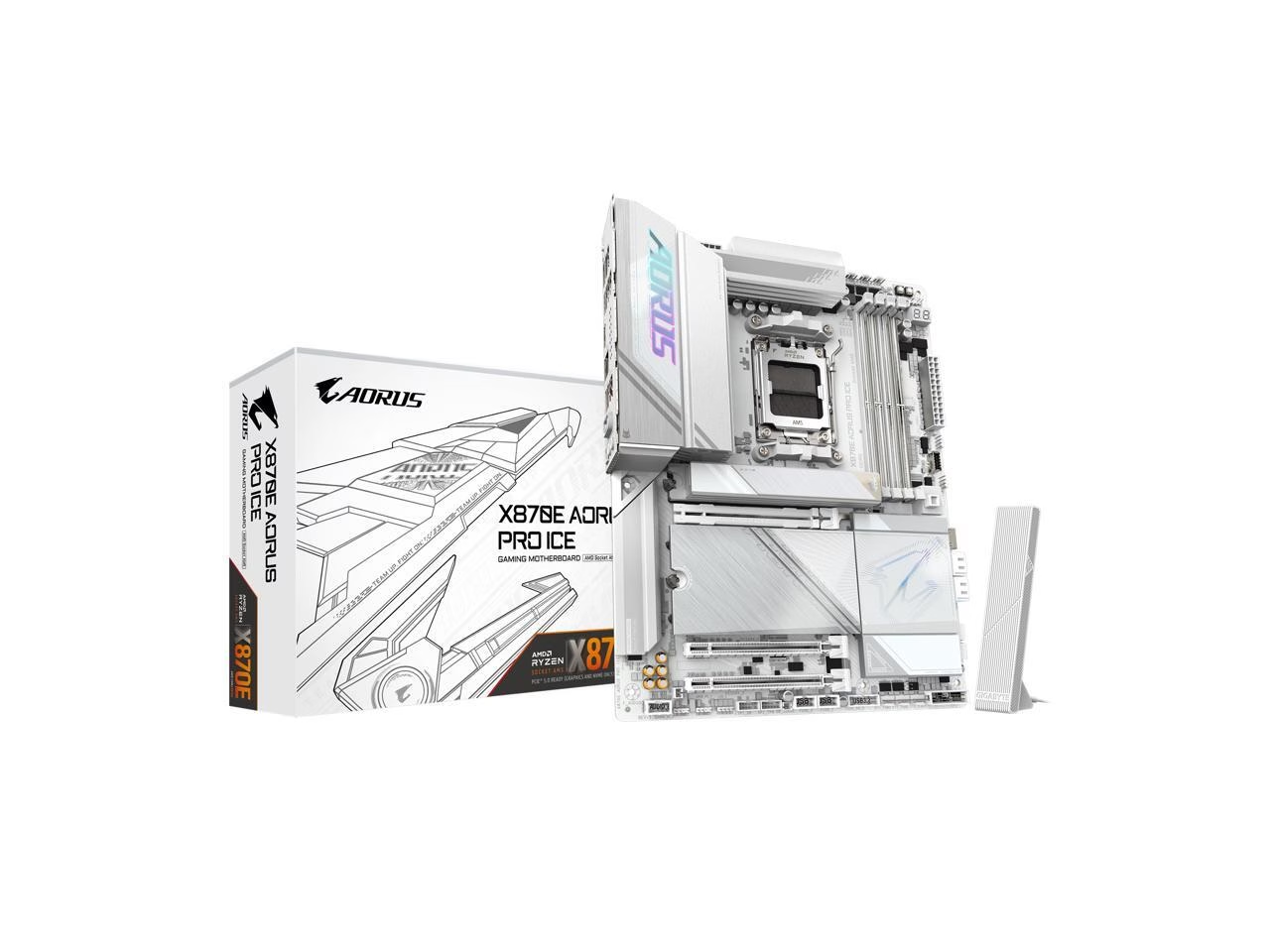
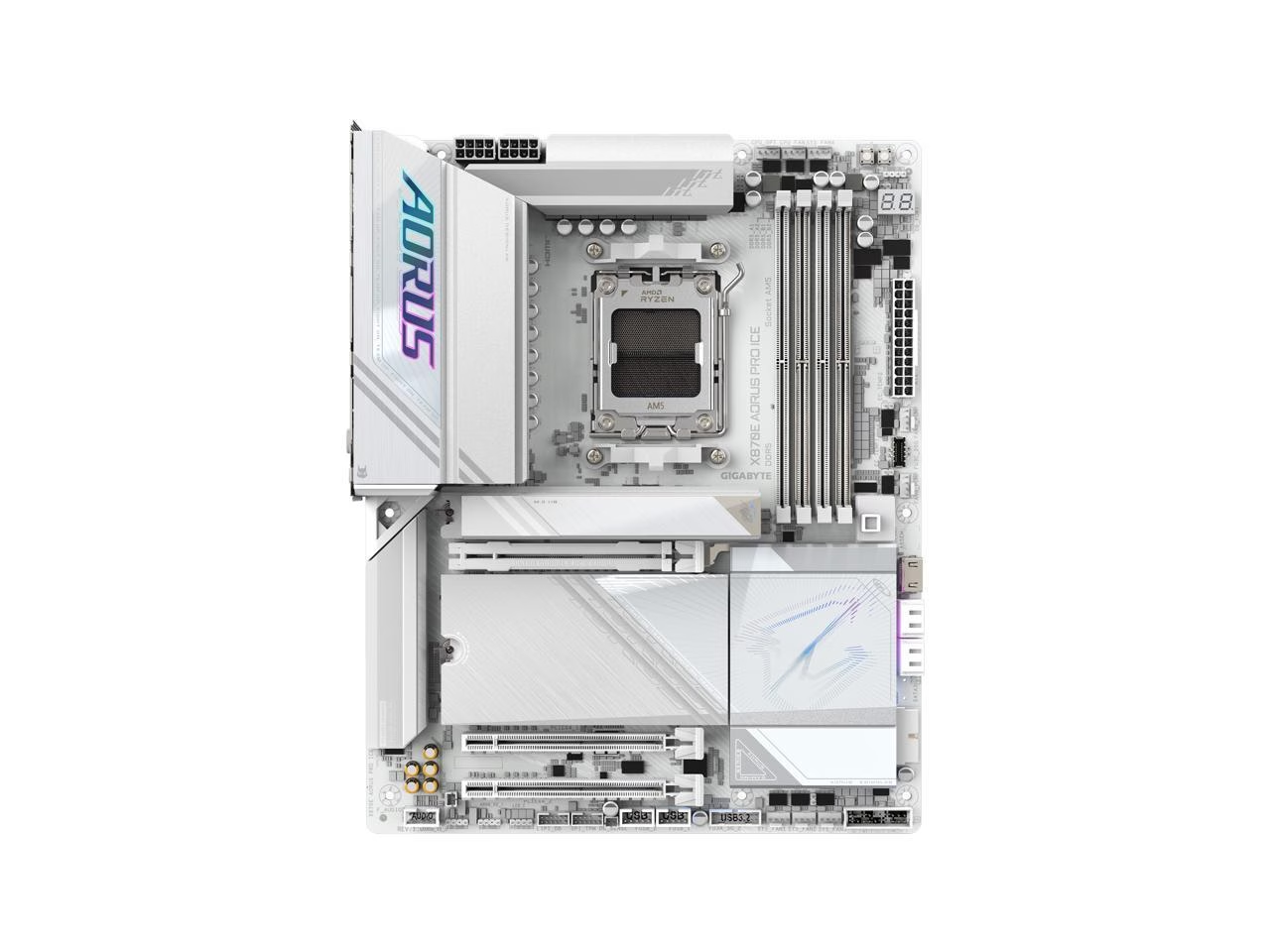
GIGABYTE X870E AORUS PRO ICE AM5 LGA 1718, ATX, DDR5, 4x M.2, PCIe 5.0, USB4, Wi-Fi 7, 2.5GbE LAN, EZ-Latch
Next update will be AORUS QUANTUM ICE mobo
I recently completed my first PC build using the GIGABYTE X870 AORUS ELITE WIFI7 ICE motherboard paired with an R7 9700X processor (which I plan to upgrade to a 9800X3D in the future) and I'm very satisfied with my purchase. The board performs reliably with the processor running at stable frequencies under load while maintaining reasonable temperatures (VRM around 50°C). My Corsair DDR5 memory with XMP works stably at 6400MT/s without requiring manual configuration, which was helpful as a first-time builder. The build quality is solid with adequate VRM cooling and quality connectors. The onboard audio delivers decent performance with good dynamic range and low distortion. System boot times with Windows 11 are also very fast at about 12 seconds. One drawback is the Gigabyte Control Center software, which has a somewhat outdated design and limited, inflexible RGB lighting controls. Potential buyers should also note the PCI lane distribution - your graphics card might be limited to x8 lanes if using more than two M.2 slots. Nevertheless, the motherboard itself is good quality and has one of the cleanest aesthetic designs in its category.
Pros: - Genuine white components throughout - Straightforward installation process - User-friendly BIOS layout - Generous USB port selection - Seamless XMP performance with quick memory initialization - Includes several convenient features such as Q-Flash functionality and diagnostic POST code display
Cons: - PCIe lane splitting issue: you get x8 for the video card if you use the 3rd or 4th m2 slot which makes them useless for most
GIGABYTE X870E AORUS PRO ICE AM5 LGA 1718, ATX, DDR5, 4x M.2, PCIe 5.0, USB4, Wi-Fi 7, 2.5GbE LAN, EZ-Latch
Great White Motherboard
Overall this is a great motherboard. You can read my pros and cons above, so I don't feel the need to get into too many features here. But, I like the looks of the board. There aren't too many white motherboards out there and I think this is the best looking one. Everything works great and as advertised. The BIOS is easy to use. It has pretty much every modern feature you could want in a motherboard. The EZ-Latch M.2 slots and PCIe GPU slot is a really nice feature. To install the M.2 SSDs, you just have to unlatch the heat sink and pop the SSD in and it latches into place. Then just latch the heat sink back on. You basically just push it and it latches itself. The EZ-Latch on the PCIe GPU slot is just a button you press and the latch pops open. Super nice and easy. I really do want to stress that the Gigabyte Control Center software isn't very good and it's VERY hard to uninstall some of the stuff it allows you to install. I still haven't figured out how to uninstall RGB Fusion, which is taking over control of my Corsair RAM lighting. I had to go into Corsair iCUE and tell it not to allow Gigabyte Control Center to take control of anything. The only thing I think it's good for is installing some drivers, but you can do that manually without the software. So, if you are weary about it, just don't install Gigabyte Control Center. My only other real complaint is if you populate either of the two PCIe 5.0 M.2 slots below the GPU slot (PCIe 5.0 x16 slot), it will drop that slot to 5.0 x8 mode. I've seen some YouTube videos of people testing PCIe 5.0 x16 vs 5.0 x8 and the performance difference seems almost negligible, but you might lose 1-2 fps or so. I have the main top PCIe 5.0 M.2 slot and the PCIe 4.0 M.2 slot that is below the GPU slot, in between the two PCIe 5.0 M.2 slots, populated. I don't think they can really do anything about this, though, because there's only so much bandwidth to go around, and the PCIe 5.0 M.2 slots and PCIeX16 GPU slot all share bandwidth
Pros: - White Color / Looks Good - Easy to use BIOS - Ability to change BIOS theme from a bright white to a dark grey. - Screwless M.2 PCIe SSD Installation with EZ-Latch - EZ-Latch PCIe Slot Button. You can press a button on the MoBo to release your GPU latch. - PCIe 5.0 x16 - Reinforced PCIe x16 slot for heavy GPUs - Onboard power and reset buttons on the motherboard - Onboard status LEDs. CPU, DRAM, VGA (GPU), and BOOT (Operation System Status) - Onboard LED debug screen for debug codes. (You can find the codes in the manual online) - Gigabyte Control Center software makes installing drivers easy - Lots of USB ports - Lots of internal connectors, including 5 4pin system fan connectors
Cons: - 2 of 3 PCIe 5.0 M.2 SSD slots will lower your PCIe 5.0 x16 slot to PCIe 5.0 x8 when populated. (The 2 below the PCIe 5.0 x16 (GPU) slot. If either slot is populated, it will lower to PCIe 5.0 x8) - With Gigabyte Control Center, some applications are hard to uninstall. So, only install the ones you plan on using. (Example, RGB Fusion will not uninstall and there's no way to do it from the software) - Gigabyte Control Center is overall not a good software. It's only good for easy installation of drivers. (Example, the AMD drivers for the CPU) - For Ryzen 9000 series CPUs, you probably have to update/flash the BIOS to unlock the full power/potential of the CPU.
GIGABYTE X870E AORUS PRO ICE AM5 LGA 1718, ATX, DDR5, 4x M.2, PCIe 5.0, USB4, Wi-Fi 7, 2.5GbE LAN, EZ-Latch
Fails to recognize GPU 4090, fail to install.windows
So far i can get it to bios with a ryzen 9900 and 64gb of ram. It recognizes those items and sees the new ssds installed. It doesnt recogize the gpu which i was using on another motherboard, so i am using the motherboards hdmi. When i put in the windows ubs soni can format and install windows it sometimes loads to the screen with the brand art and the options to go to bios but it doesnt respond to keyboard commands. There is a code 08 on the motherboard when it does this and i cant do anything else. If i remove it, it will boot back to bios. Never had such a frustrating time setting up a computer. If i cant get this to work i will return it and go with a different motheboard brand.
Cons: Doesnt recognize 4090 Cant boot off of windows usb
GIGABYTE X870E AORUS PRO ICE AM5 LGA 1718, ATX, DDR5, 4x M.2, PCIe 5.0, USB4, Wi-Fi 7, 2.5GbE LAN, EZ-Latch
Great motherboard, works great with Amd 9800x3d.
I would recommend this motherboard to a friend.
Pros: - 4 m2 ssd slots - compatible with ddr5 ram (6000) and 9800x3d out of the box, no bios update needed. - great white and silver color combo.
Cons: - none so far
GIGABYTE X870E AORUS PRO ICE AM5 LGA 1718, ATX, DDR5, 4x M.2, PCIe 5.0, USB4, Wi-Fi 7, 2.5GbE LAN, EZ-Latch
Beautiful Motherboard. Booted on 1st try.
Love the all white look. Love the quick release for the PCIE and NVME. Posted on the first boot. Looks beautiful in the King 95 Pro 9800 X3D running perfectly.
Pros: Love the all white look. Love the quick release for the PCIE and NVME. Posted on the first boot. Looks beautiful in the King 95 Pro 9800 X3D running perfectly.
GIGABYTE X870E AORUS PRO ICE AM5 LGA 1718, ATX, DDR5, 4x M.2, PCIe 5.0, USB4, Wi-Fi 7, 2.5GbE LAN, EZ-Latch
Best white X870 motherboard available!
Overall, this board looks beautiful in my all white build and I'm very happy with the purchase and the price.
Pros: - Arguably the prettiest white/silver X870 motherboard - Works with the new AMD 9800X3D - Lots of ports including USB3 and USB-C - 1080p BIOS Screen - LED Display with Debug Codes for troubleshooting (works really well paired with a case with glass panel) - Heatsinks for all three M.2 Slots - In my opinion, this is a better value per dollar than the X870E boards for most users
Cons: - Biggest con is that the Front Panel USB-C connector appears to not be working even after flashing the BIOS and updating the chipset drivers (hence the 4 stars instead of 5). Please fix this Gigabyte! - LED Display shows debug code "D8" even when everything is operating normally. This appears to be a known bug. - BIOS settings organization/naming is not super intuitive (but then again, what BIOS is)
GIGABYTE X870E AORUS PRO ICE AM5 LGA 1718, ATX, DDR5, 4x M.2, PCIe 5.0, USB4, Wi-Fi 7, 2.5GbE LAN, EZ-Latch
A really beautiful and high functioning Motherboard from Gigabyte (X870E Aorus Pro Ice).
Once in a while, you buy on aesthetics. I had recently built an all white build, with a great case, etc. However, I put a Gigabyte X670E Aorus Master in it, and it just did not look right. The X670E Master is a FINE board with no issues, but I needed White. When the X870E Motherboards launched, and I saw this one, I knew I was going to buy it, and I did. For the features you get with this board, versus the original prices of the X670E motherboards, this is a great value. Fortunately, this board seems to perform as good as it looks, so no issues there. My only issue was in updating the BIOS, and for some reason, I lost video output during the update, and I was a bit nervous. I had no clue what was going on, so I just waited for about 10 minutes, and the video output came back, and the BIOS update worked fine. I hope this does not happen to you. If it does, try not to panic, and wait a bit. I cannot comment on the Audio output, as I have always run a discreet sound card, which was always better than anything I have heard from a Motherboard. I am running 2 X32 Gb of 6000 GSkill RAM and EXPO kicked in without a hitch. I still think 6000 is the sweet spot. I am running a Ryzen 9 9900X CPU, with RTX 4080 Super graphics. A lot of reviewers do not seem to care much for the 9900X, but I know it ROCKS, especially with an EK AIO CPU Cooler. Gigabyte is doing better with their Motherboards lately, as I have had good luck with the X670E and now the X870E. I used to be a big fan of the big "A" company, but their pricing and poor reviews sent me in another direction. The Gigabyte hardware seems excellent, and with a 5 year warranty. I do not recommend the GCC Software though, nor the similar Software from their competitors. I have had Windows Registry corruption issues in the past attempting to use this kind of software. I am using this temporarily, until Signal RGB can support the new X870E Motherboards. Good Luck!
Pros: * Fast boot time, once the Memory training phase has taken place. * Beautiful aesthetics * Plenty of VRM power and heatsinks to power a 7950X with overclock and do it with low temps. * For me, having 2 other PCIe lanes that are not 5.0 is a win, as I use add in cards. * My board Posted the first time I fired it up, after Memory training. * Wi-Fi 7 * The BIOS is about as good as anyone else's out there. Easy to navigate. Good Job! * The heatsink covers for the SSDs just clip on and off, and it is very nice. * On board Start and Reset buttons with lighted HEX code read out. In white light even, not red. * I believe this Motherboard is competitively priced, considering what you get and what the competition is offering. * Everything is working as it should, with no issues. * I did not have to
Cons: * Only a 6 layer PCB instead of the 8 layers of the Intel Aorus Pro Ice * The Fusion 2.0 RGB software in the Gigabyte GCC software is PURE GARBAGE. Try not to use it. * One of my Promontory 21 Chips seems to be running hot at 69' C, and I may need to pull off the heatsink and check the thermal pad. * The CMOS battery placement is awful, and you cannot get to it unless you pull off the Chipset heatsink, similar to what you had to do on the X670E Aorus Master. Lousy design. * What ever happened to the Gigabyte Dual BIOS? What a great thing to have if you brick your BIOS update.
GIGABYTE X870E AORUS PRO ICE AM5 LGA 1718, ATX, DDR5, 4x M.2, PCIe 5.0, USB4, Wi-Fi 7, 2.5GbE LAN, EZ-Latch
This is the best all white motherboard to exist
Overall incredible board 7800x3d is in it and I just switched from 14900k to this and Im so happy with how everything is going board looks incredible in this case bios is very easy love the white theme and its boots very quickly into windows in 10-13 seconds. If you have a white case I tried the x670e ice and had issues and this surpassed that board by a lot with how well it performs and by looks!
Pros: -All white board even headers -debug code -ez latch -plug in wifi -rgb logo and down by ssd area to the right -bios is up to date to F2 which is good enough for all ryzen 7000 series
Cons: con I personally have is I wish the logo of this board was like the x670e white version I thought that one looked better -Had to bypass windows setup to install wifi driver -if you are a ryzen 9000 series cpu owner you Will need to q flash the bios to the latest version to unlock that higher power limit for a performa
Log in to write a review. Log in
$140.99
$219.99
$139.99
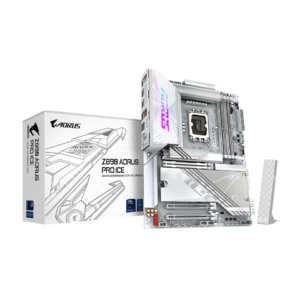
$329.00
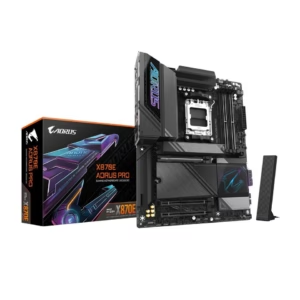
$341.26
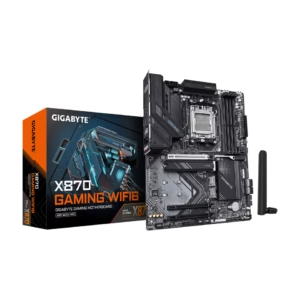
$173.99
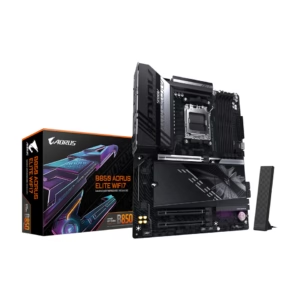
$204.49
$254.99
$184.00
$103.99
$159.99