



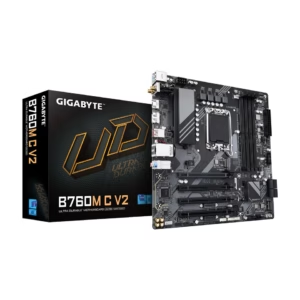
GIGABYTE B760M C V2 LGA 1700 Intel B760 M-ATX Motherboard with DDR5, Triple M.2, PCIe 4.0, USB 3.2 Gen 2x2 Type-C, WiFi 6, 1GbE LAN, Q-Flash Plus, EZ-Latch
$81.21
$139.99
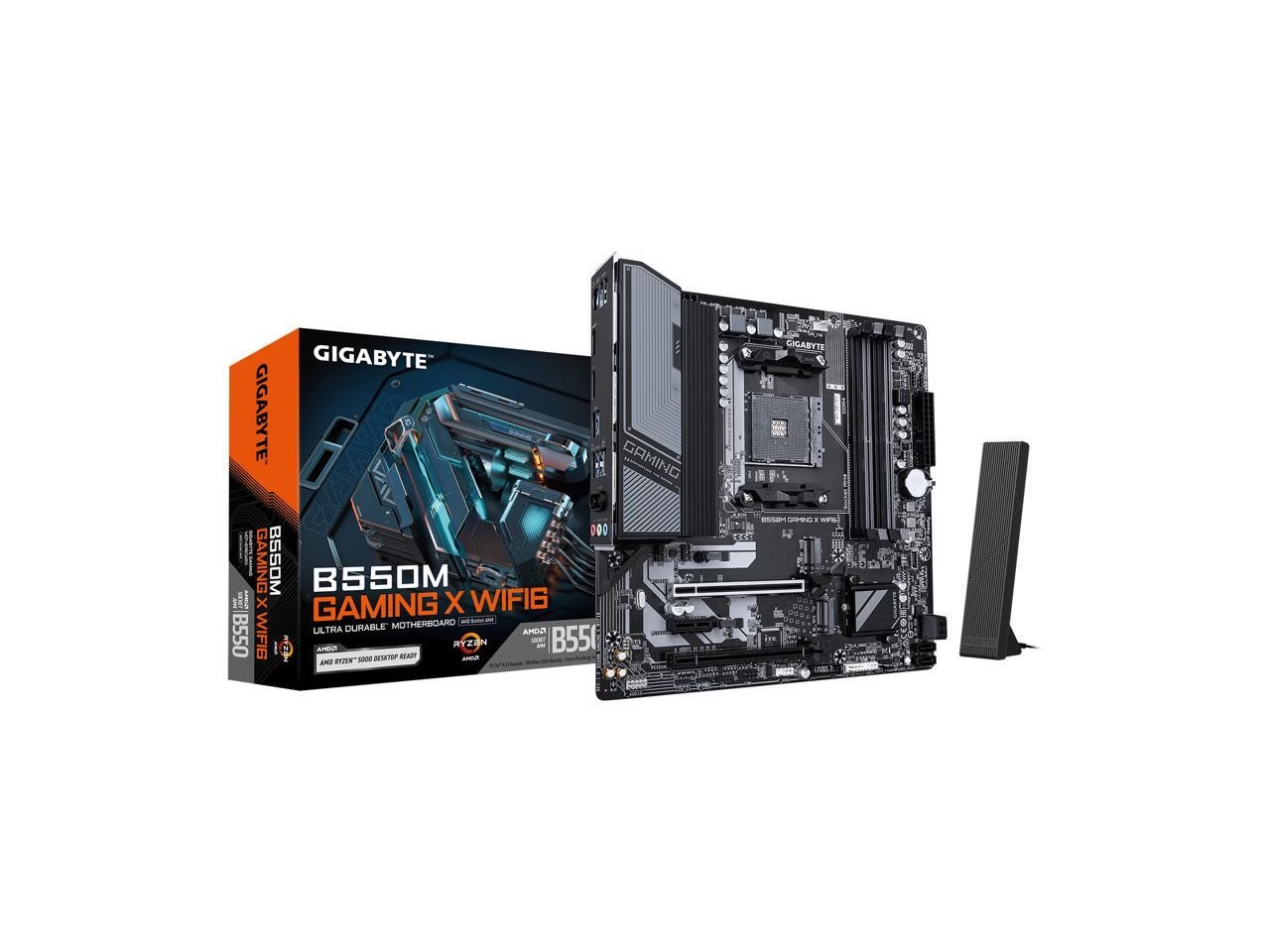
AMD B550 Ryzen 3000 Series / Ryzen 3000G Series / Ryzen 4000G Series / Ryzen 5000 Series / Ryzen 5000G Series
$154.99
Orders are handed to the carrier within 1 business day.
Free Shipping (3–5 business days) · Priority Shipping $9.90 (1–2 business days).
You have 30 days from the day your order is delivered to return unused items in their original condition and packaging. We pay for return shipping: you receive a prepaid label and nothing is deducted from your refund.
Once we receive and inspect the return, the refund goes back to your original payment method within 3 business days. Banks and card issuers may take another 3–10 business days to post it.
Each product is covered by its brand manufacturer's warranty. The term, what is covered, and how to make a claim are set by that manufacturer.
Email [email protected]. We reply within one business day.
Support covers shipping, returns, and order tracking.
Based on 8 reviews
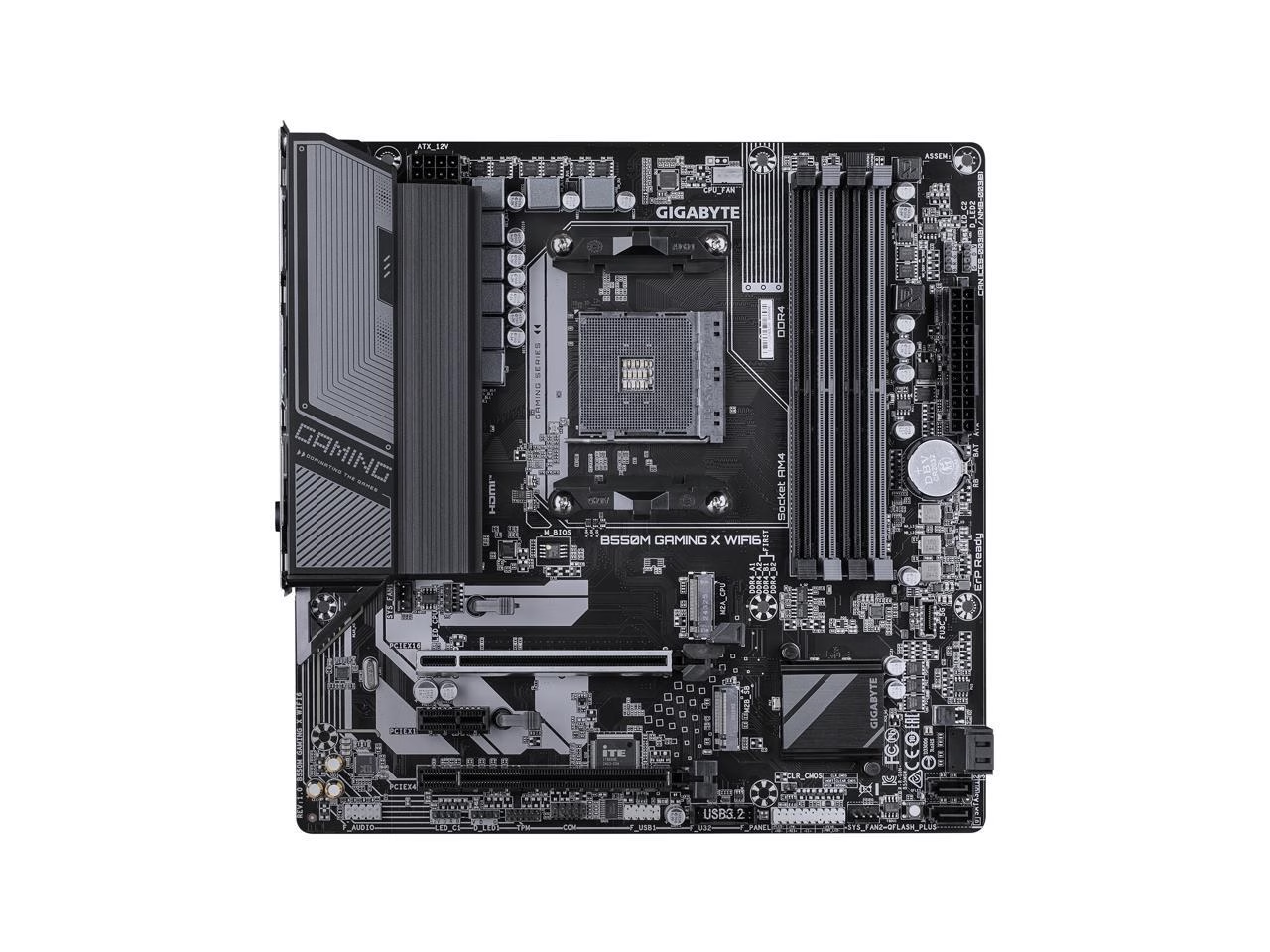
GIGABYTE B550M GAMING X WIFI6 AM4
Works fine, WiFi Driver won't work
Tried to install wifi driver and it just didn't work, it kept saying it couldn't run that operation system
Cons: Easy to install for me
GIGABYTE B550M GAMING X WIFI6 AM4
I want to return
I want to return
GIGABYTE B550M GAMING X WIFI6 AM4
If it had cost me any money I would be super mad
If you got it for free then get ready for a really fun time
Pros: Great price "-$5" when bought with the CPU I wanted
Cons: RAM slots are basically non-functional, finally got it working stable downclocked to 2.4 from the 3.6 rating my ram has Only one PCI slot can be used with a graphics card without cover all the fan and IO pins. The fun trick is you have to take apart the motherboard to install most Nvidia GPUs because there's a triangle of plastic that gets in the way of the card. GAMING MOTHERBOARD I finally got it all working as well as I needed it to but boy it was not easy. Took around 50 full restarts (full power off, remove CMOS battery, unplug all power supply connections and replug) just to get it to post to BIOS. I then got to play the game of how slow do I need to clock my RAM until it stops crashing. 2.4 / 3.6 rating SUCH A BUMMER BUT WHATEVER I was going to return it but I kept smashing my head
GIGABYTE B550M GAMING X WIFI6 AM4
Decent motherboard, solid price, needed a better manual.
I am already very fond of this motherboard but I can't give it full marks because of the fact that the manual is really terrible. The motherboard itself is sleek and feature packed, especially for this price point, but the manual features next to specific, detailed information. I would like to know more about where to slot the DIMMs, for example. Again, I would like to emphasize the quality of the motherboard itself, but I can't justify saying this product is perfect with the manual being as bad as it is.
Pros: Fair price Arrived in good condition Good IO
Cons: Features a somewhat lackluster manual
GIGABYTE B550M GAMING X WIFI6 AM4
Has all the right connections in all the wrong spots
On paper, this motherboard checked all the boxes for me. However, it wasn't until installation that I discovered it was not quite best for my use case. my biggest issue stems from the location of the USB header. Its located along the bottom edge of the board and is blocked by my two-slot thick GPU. I could not fit my case's USB cable into the header with the GPU installed, so I needed to explore other options. I tried a 90 degree USB header adapter, but there is a PCIE slot above it that blocks it. My best solution has been to use a low-profile extension cable, but it have to have that cable bent at a sharp 90 degrees right at the connector, so I am not confident that it will have a long life. There are other connectors that may be potentially blocked by GPUs or other accessories,.Be cautious. The tool-less M.2 slots, while convenient, are not the most secure. I found that it was easy to accidentally pull the plastic tabs while installing other components. This could be a great board. It just didn't work out great in my setup.
Pros: Has the right connections for all my compnents Different SATA port orientations allow for flexibility Wifi works well Tool-less M.2 slots
Cons: USB headers are easily blocked by GPUs Tool-less M.2 slots are not the most secure WiFi antenna is an odd-design, featuring a antenna at the end of a cable that is simultaneously too short and too long.
GIGABYTE B550M GAMING X WIFI6 AM4
Works good it runs Windows 11
Guess it would be ok for a budget build
Cons: Cant get Gigabyte wi fi adapter to work
GIGABYTE B550M GAMING X WIFI6 AM4
Nice upgrade
Bought a prebuilt gaming pc (casual gamer) and could not update bios on the motherboard, no matter what I tried. Bought this board and updated easily. Now Im gtg.
Pros: Easy install Easy to update
Cons: None yet
GIGABYTE B550M GAMING X WIFI6 AM4
Good looking MB but with a flaw
The board looks great. The main issue is with the poor memory speed support. I couldn't get the board to boot with my common Corsair 3200 sticks, only at 2400. What's with the ridiculous nvme latches system ? Annoying looping mounts which gets in the way of others components. The M2-2 will not work with a nvme with a cooler if a graphic card is installed. This nvme will suffocate under the graphic card. Only X2 lines for that M2.
Pros: - cheap - great look - USB C mb connector - B550 chipset with Pcie 4.0
Cons: - few USB ports - mediocre memory speed support - over- engineered M2 clamps - no USB C port in the back - only USB 3.2 gen 1 ports - M2 - 2 only X2
Log in to write a review. Log in
$81.21
$139.99
$140.99
$219.99
$227.99
$319.99
$149.98
$209.99
$415.64
$399.92
$139.99
$204.49
$254.99